
How Much Internet Speed Does IPTV Really Need?
Recommended speeds for HD and 4K IPTV streaming, and how much extra you need per additional device streaming at once.
Internet speed is one of the most common causes of a disappointing IPTV experience, and also one of the easiest things to check before assuming a service itself is at fault.
Baseline Speed for SD and HD
Standard and HD streams generally need a modest, stable connection. A consistent connection matters more than a high peak speed that fluctuates.
Speed Needed for 4K
4K streaming requires meaningfully more bandwidth than HD, and also benefits from a more stable connection since there's less room for fluctuation before quality drops. See our 4K streaming guide for the full picture.
Adding Devices: How Bandwidth Multiplies
Each additional device streaming at the same time adds to your total bandwidth needs. Our guide on IPTV across multiple devices explains how to think about this when choosing a plan.
Wi-Fi vs. Wired Connections
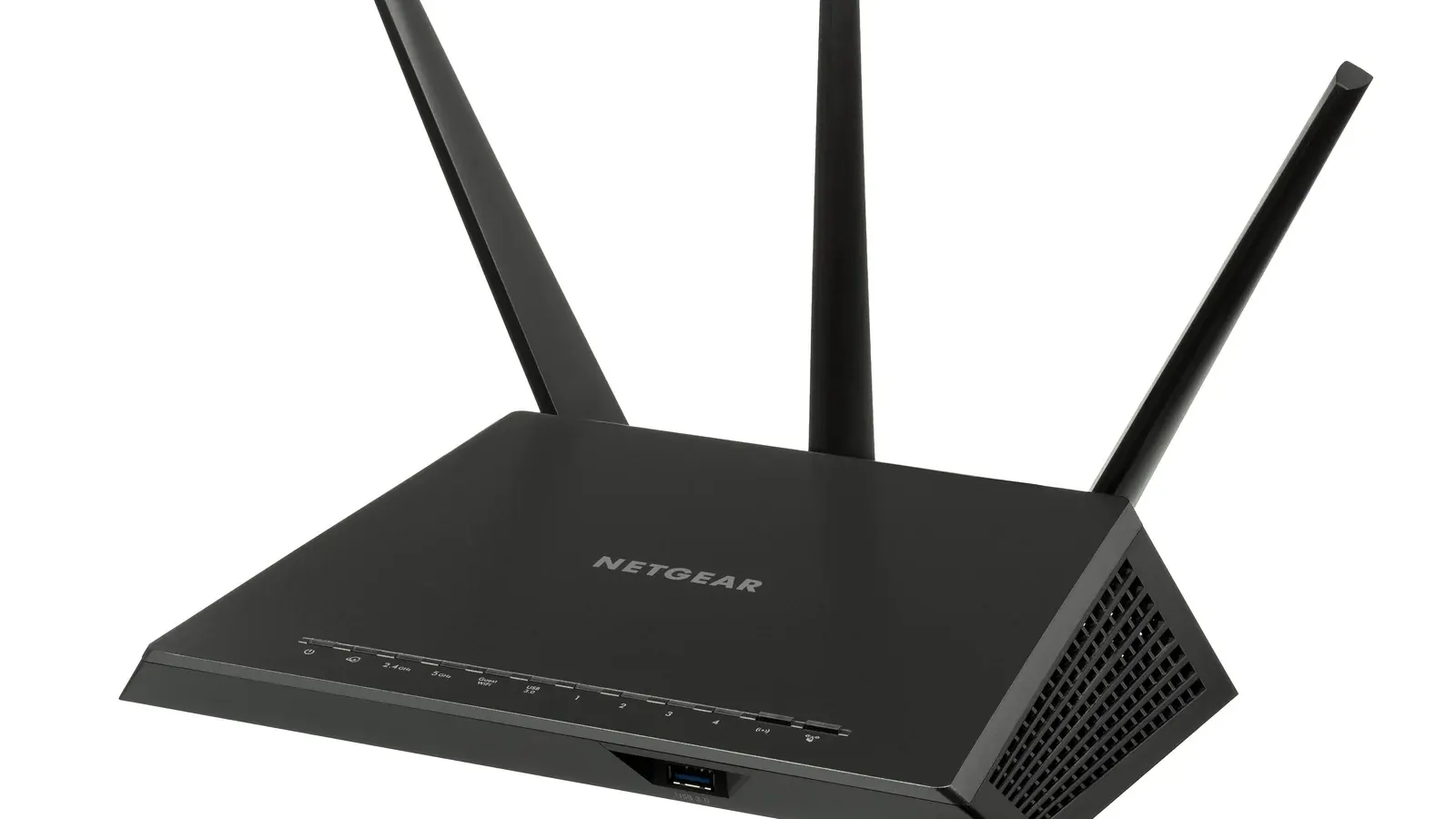
A wired Ethernet connection is generally more stable than Wi-Fi, particularly for 4K streaming or when several devices are active at once. If you use a VPN, see our guide on where a VPN fits into IPTV streaming for how it can affect your measured speed.
Testing Your Actual Speed
Run a speed test on the same network and, ideally, the same device you stream on, since Wi-Fi performance can vary significantly by location within your home. Fast.com is a simple, no-signup option for a quick check.
What to Do If Your Connection Falls Short
What's a reasonable speed to aim for?
Requirements vary by resolution and number of simultaneous streams, but a stable, consistent connection matters more than chasing the highest advertised speed from your provider.
Does Wi-Fi vs. Ethernet really make a noticeable difference?
For a single HD stream, often not much. For 4K or multiple simultaneous streams, a wired connection reduces the chance of buffering during peak household usage.
My speed test looks fine but I still get buffering — why?
A clean speed test doesn't rule out network congestion at specific times, router placement issues, or device-side problems. See our dedicated buffering guide for a full troubleshooting checklist.