
IPTV on Firestick: Which Apps Are Worth Installing
A comparison of the IPTV apps that run best on Amazon Firestick, including setup difficulty and interface quality.
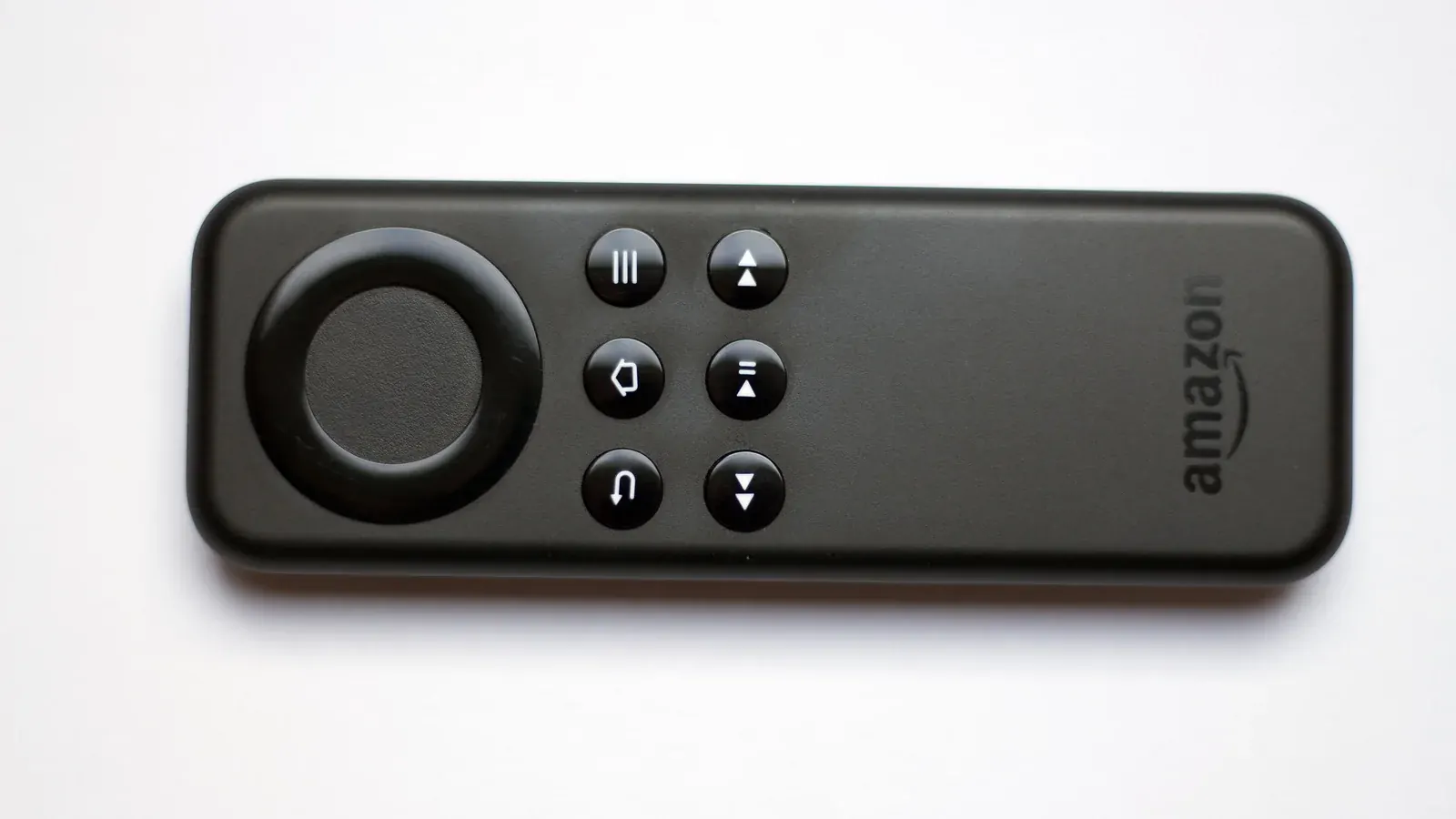
Firestick is one of the most popular ways to run IPTV, thanks to its low cost and wide app support. Here's what to know before picking an app.
Why Firestick Is a Popular IPTV Choice
It's affordable, plugs directly into any HDMI port, and supports both official app store installs and sideloaded apps, giving you more flexibility than more closed platforms like Roku.
Top Apps for Firestick
IPTV Smarters Pro is the most commonly used option on Firestick, with a straightforward install process covered step by step in our Firestick install guide.
Sideloading vs. App Store Installs
Some IPTV apps are available directly through the Amazon Appstore, while others require sideloading through a tool like Downloader. Neither approach is inherently better — it depends on which specific app you choose.
Performance and Storage Considerations
Older Firestick models have limited storage and processing power, which can affect app performance. If you're experiencing lag, our buffering fix guide covers device-side troubleshooting steps.
Setting Up Your First App
Once you've picked an app, our step-by-step Smarters Pro installation guide walks through the full process from enabling unknown sources to entering your login details.