
Getting IPTV Running on a Roku Device
Roku's app store is more limited for IPTV than other platforms. Here's what actually works and how to set it up.
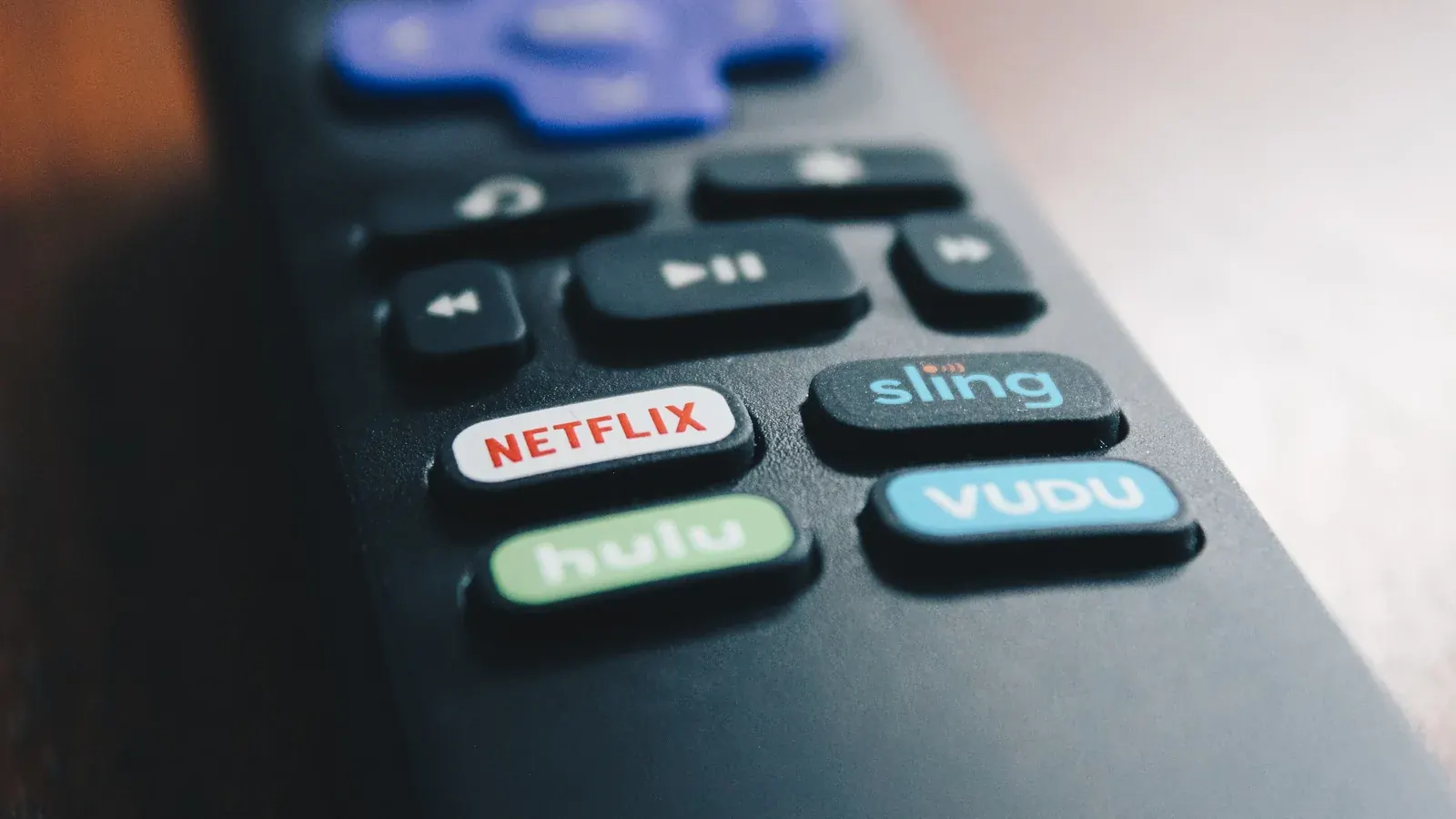
Roku takes a more closed approach to its app ecosystem than platforms like Firestick or Android TV, which changes how IPTV setup typically works here.
Why Roku Is Different From Other Platforms
Roku's Channel Store is more tightly controlled, and sideloading apps the way you might on Firestick generally isn't an option.
What's Available in the Roku Channel Store
Dedicated IPTV apps are more limited on Roku compared to other platforms, so it's worth checking the Channel Store directly for current options before assuming a workaround is necessary. Roku's official support site is a reliable place to check current Channel Store policies.
Workarounds: Screen Mirroring and Casting
Many Roku devices support screen mirroring from a phone or casting from a compatible app, which is a practical way to get IPTV onto your TV even without a native app installed.
Setting Up Your Chosen Method
Whichever method you use, you'll still need your playlist link or account credentials handy — see our setup guide for what to have ready first.
Roku-Specific Performance Tips
Casting-based setups depend heavily on your Wi-Fi connection quality, since two devices (your phone and your Roku) are involved rather than one. A wired connection on your router side still helps overall network stability.