
What Devices Can You Actually Use IPTV On?
From Smart TVs to Firestick, Roku, and PCs — an overview of which devices support IPTV apps and what to expect on each.
One of IPTV's biggest advantages is how many devices it can run on. This overview covers every major category so you can find your device and jump straight to the setup details that matter to you.
The Two Things Every IPTV Setup Needs
Regardless of device, you need two things: a stable internet connection and a compatible player app. Our IPTV setup guide covers both in more detail before you pick a device-specific walkthrough.
Smart TVs (Samsung, LG, Google TV)
Most modern Smart TVs can run a compatible IPTV app directly, without any extra hardware. Coverage and installation steps vary by platform — see our guides for Samsung, LG, and Google TV.
Streaming Sticks and Boxes (Firestick, Android TV)
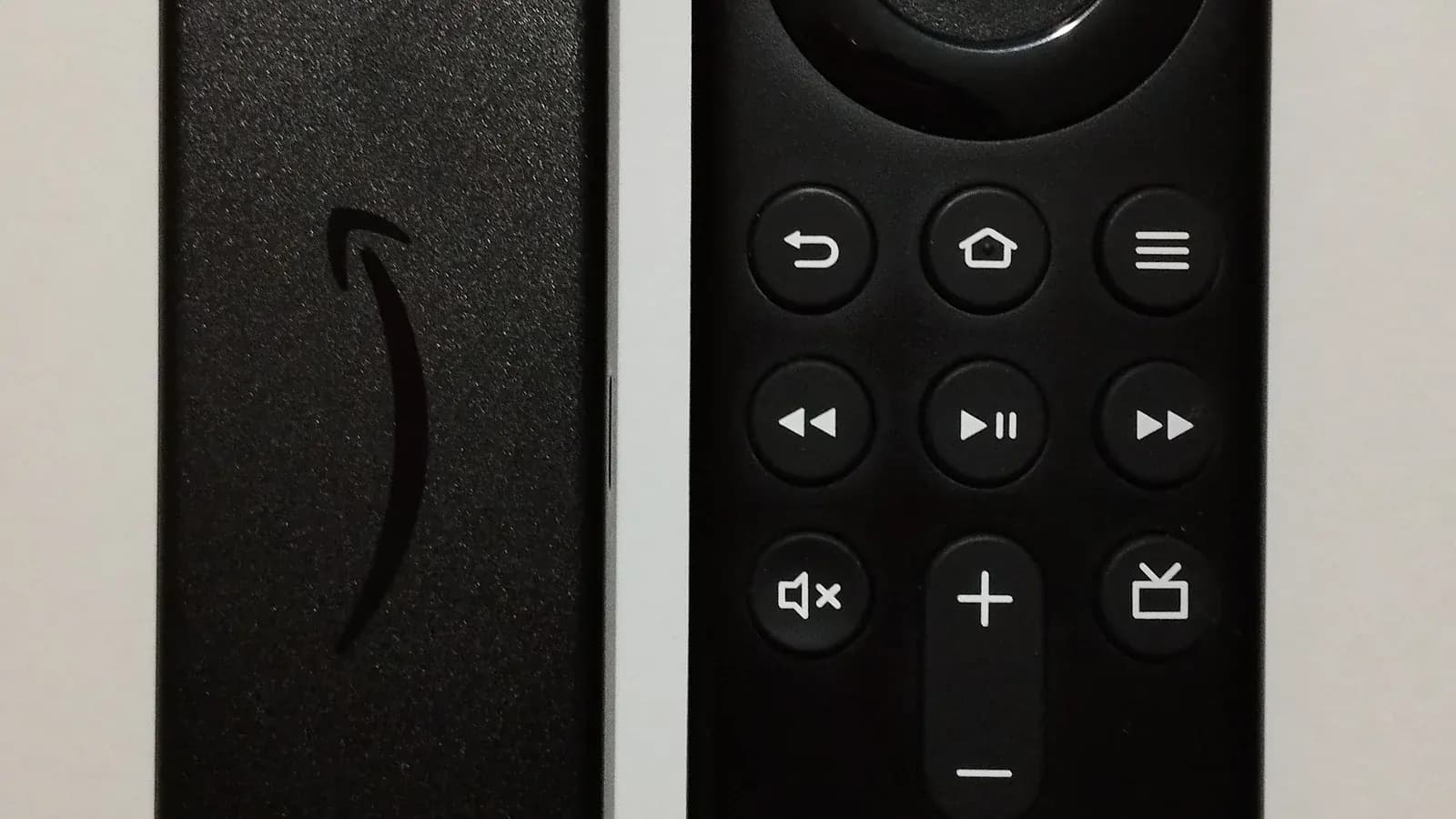
Firestick and Android TV boxes are popular choices because they're affordable and support a wide range of apps. See our best IPTV for Firestick guide and IPTV Smarters Pro on Android TV walkthrough.
Roku's Different Approach
Roku's more closed app ecosystem means IPTV setup looks a little different here than on other platforms. Our IPTV on Roku guide explains what's actually available and how to get around the limitations.
Apple TV
Apple TV supports IPTV through its own App Store, with AirPlay as a useful backup option. Details are in our best IPTV app for Apple TV guide.
Computers and Phones
Windows PCs, and Android or iOS phones and tablets, are often the easiest place to start when testing a new subscription. See our IPTV player for Windows guide for desktop options.
Devices Without a Smart TV
You don't need a smart TV to use IPTV. If you're working with an older television, our guide on watching IPTV without a smart TV covers the streaming sticks and boxes that bridge the gap.
Choosing the Right Device for You
Do I need a separate streaming box if I have a Smart TV?
Usually not — most modern Smart TVs from Samsung, LG, and Google TV can run a compatible IPTV app directly. Older or lower-end Smart TVs sometimes lack enough storage or processing power, in which case a separate box is the simpler option.
Which device is easiest to set up?
Android TV boxes and Firestick tend to be the most straightforward, since both support a wide range of apps without significant workarounds.
Can I use IPTV on more than one device with one subscription?
That depends on your plan's simultaneous connection allowance rather than the devices themselves. See our guide on IPTV across multiple devices for details.