
IPTV on Apple TV: What's Available in the App Store
The IPTV apps available through Apple TV's App Store, and what to expect from tvOS's more locked-down app ecosystem.
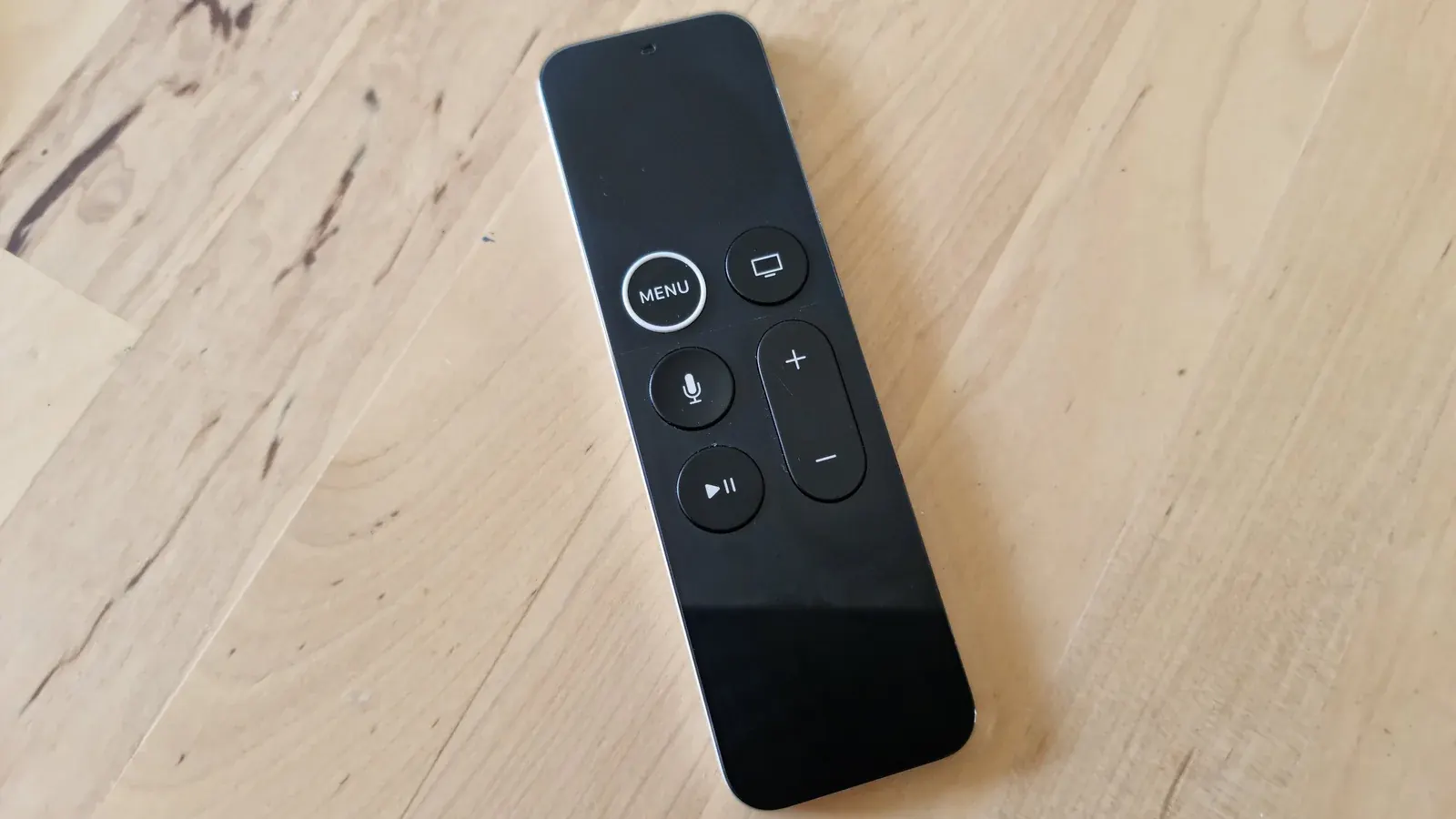
Apple TV runs tvOS, which has its own App Store separate from the more open ecosystems used by Android-based devices. Here's what that means for IPTV.
tvOS's App Store Model
Apps on Apple TV must go through Apple's App Store, so sideloading in the way you might on Firestick isn't an option here. See Apple's official Apple TV page for current hardware specs.
IPTV Apps Available on Apple TV
Search the App Store directly on your Apple TV or on a paired iPhone to see current IPTV app availability, since options can change over time.
Installing and Signing In
Once installed, sign in with your playlist link or account credentials the same way you would on any other platform. Our setup guide covers what to have ready beforehand.
Using AirPlay as an Alternative
If a native app isn't available or isn't working well, AirPlay from an iPhone or iPad running a compatible app is a solid fallback for getting IPTV onto your Apple TV.
Performance Notes for Apple TV
Apple TV hardware generally handles HD and 4K playback well; if you do run into issues, they're more often network-related than device-related. See our buffering fix guide for troubleshooting steps.