
Setting Up IPTV Smarters Pro on an Android TV Box
How to install and configure IPTV Smarters Pro on Android TV boxes, and what makes this combination easier than most.
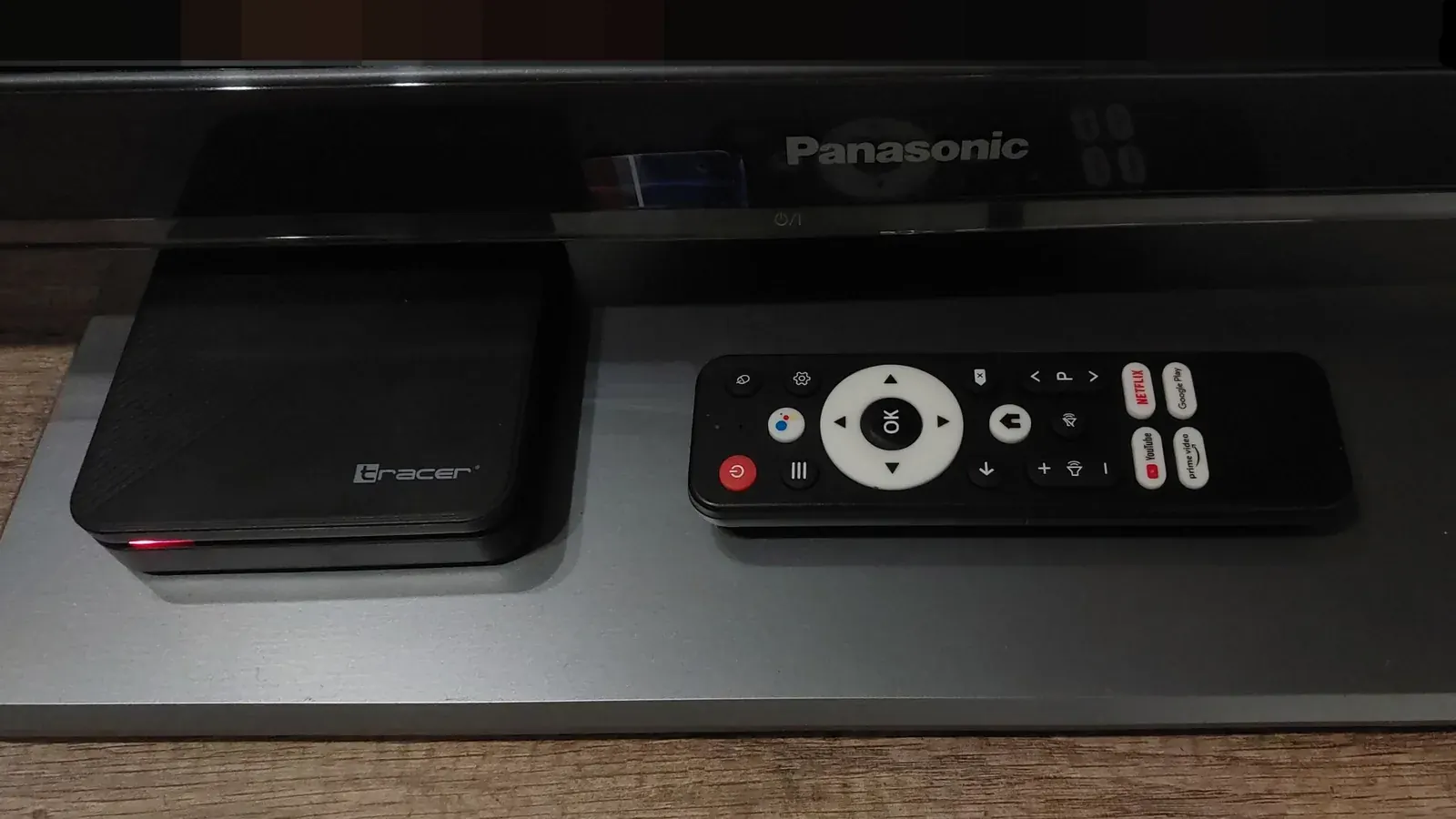
Android TV boxes are one of the easiest platforms to run IPTV Smarters Pro on, thanks to their open, standard Play Store setup.
Why Android TV Is the Easiest Platform for This
Unlike more restricted platforms such as Roku or LG's webOS, Android TV uses the same open Play Store as most Android phones, so installation involves no sideloading or workarounds. See Google's official Android TV site for current supported devices.
Installing From the Play Store
Search for IPTV Smarters Pro directly in the Play Store on your Android TV box and install it like any other app.
Signing In With Your Playlist or Xtream Codes
Enter either your playlist URL or your username, password, and server address. If you hit an authorization error at this step, see our dedicated troubleshooting guide.
Configuring EPG and Display Settings
Once signed in, check that your EPG is populating correctly and adjust display settings as needed for your specific TV or projector.
Troubleshooting Common Issues
If playback is choppy despite a successful login, check your bandwidth and consider a wired connection for your Android TV box if Wi-Fi signal is weak where it's located.