
No Smart TV? Here's How to Still Watch IPTV
You don't need a smart TV to use IPTV — here's how to watch on a regular TV, monitor, or older set with the right hardware.
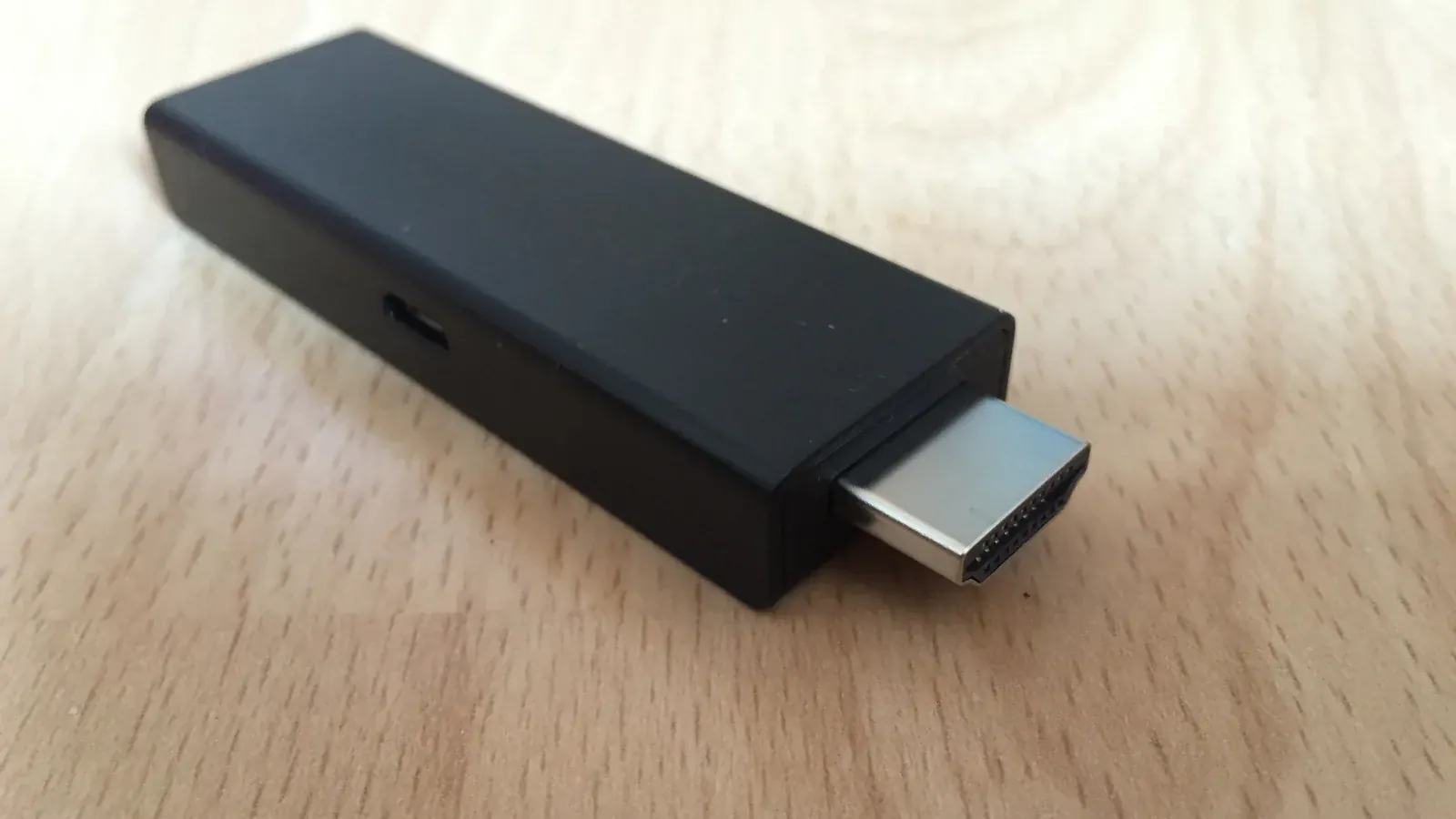
A smart TV makes IPTV setup slightly more convenient, but it's not a requirement. Any TV with an HDMI port can work with the right bridge device.
The Short Answer: You Just Need a Bridge Device
A streaming stick or small box connects to your TV's HDMI port and runs the IPTV app for you, effectively turning any TV into a smart one for this purpose.
Streaming Sticks That Work
Firestick is one of the most affordable and widely supported options for this exact scenario.
Streaming Boxes That Work
Android TV boxes are another solid option, with the added benefit of full Play Store access — see our Android TV setup guide for the specifics.
Connecting to an Older or Non-Smart TV
As long as your TV has an available HDMI input, the setup process is identical to using these devices on a smart TV — the TV itself just displays whatever the streaming device outputs.
Setting Up Your First App
Once your bridge device is connected, follow our general setup guide to install your chosen app and enter your account details. Our installation guide also breaks this down by device if you'd rather jump straight to your specific setup.