
Getting Set Up to Watch Live Sports on IPTV
A practical walkthrough for finding and watching live sports through IPTV, from checking the EPG to reducing stream delay.
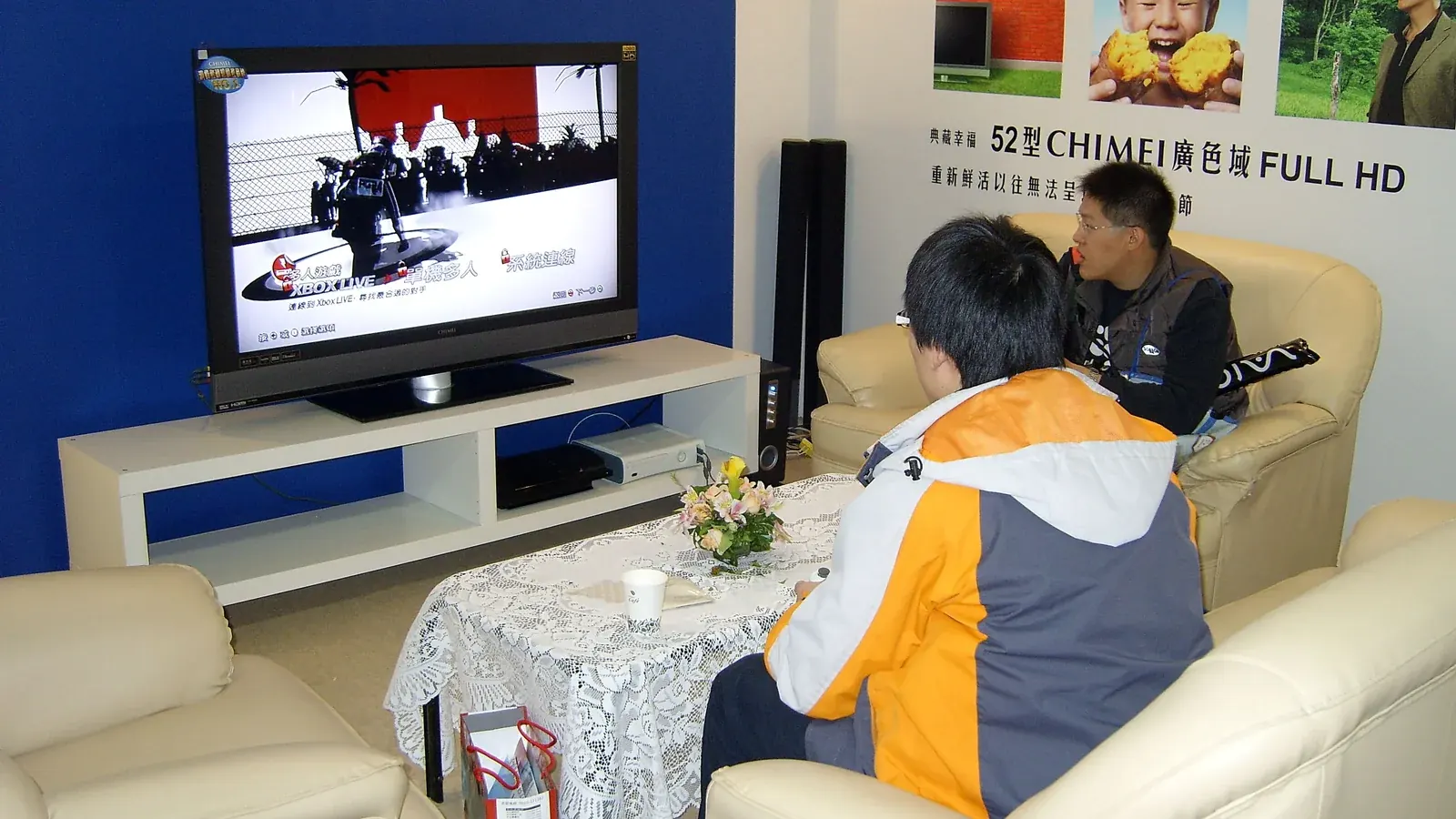
Once you've got a sports-friendly IPTV service set up, a little preparation before kickoff goes a long way toward avoiding interruptions.
Finding Sports in Your EPG
Use your app's EPG to browse upcoming games rather than searching channel by channel — most apps let you filter or scroll ahead to see what's coming up.
Checking Your Connection Before Kickoff
Run a quick speed test ahead of a big game rather than during it. Our bandwidth requirements guide has benchmarks to compare against.
Reducing Delay and Buffering
Close other apps and devices that might be competing for bandwidth during the game, and consider a wired connection if you have persistent issues — see our full buffering fix guide for more.
Watching on a Second Device
If you want a backup option in case your primary device has issues, confirm your plan supports the simultaneous connections needed for a second stream.
What to Do If a Game Doesn't Load
Restart the app first, then your device. If the issue persists across multiple channels or devices, it's more likely server-side, in which case contacting support is the next step.